Learning GPU programming for AI takes about three to six months of part-time study if you already write Python, and it follows a clear order: parallel computing concepts first, then CUDA kernels, then Triton, then profiling real models, and finally how training and inference scale across many chips. This learning path lists one or two free or widely used resources for each stage, explains why each comes where it does, and suggests a small project to prove you have learned it. It matters because the people who can make models run faster on the same hardware are among the most sought-after engineers in AI, and the hardware keeps changing: Nvidia this week announced a new simulation GPU, as covered in our story on Rubin HPC and the Vera CPU rack.
Who this path is for
The path suits three groups: machine learning engineers who use PyTorch and want to understand why some operations are slow; software engineers moving into AI infrastructure; and students who have taken an intro deep learning course and want to go below the framework. It is not the right first step for someone new to programming or to neural networks. If that is you, start with a general course from our list of the best AI courses to start learning in 2026 and come back later.
You need an Nvidia GPU for the CUDA and Triton stages. A recent consumer card is enough to learn on; cloud notebooks with a GPU also work. For a sense of how much memory real models need, see our guide to GPU memory sizing for LLMs.
Stage 1: Parallel computing fundamentals (3 to 4 weeks)
Before writing GPU code, learn why GPUs are fast and when they are not. The key ideas are data parallelism, the difference between latency and throughput, memory hierarchies, and the “roofline” view that says whether a program is limited by arithmetic or by memory bandwidth.
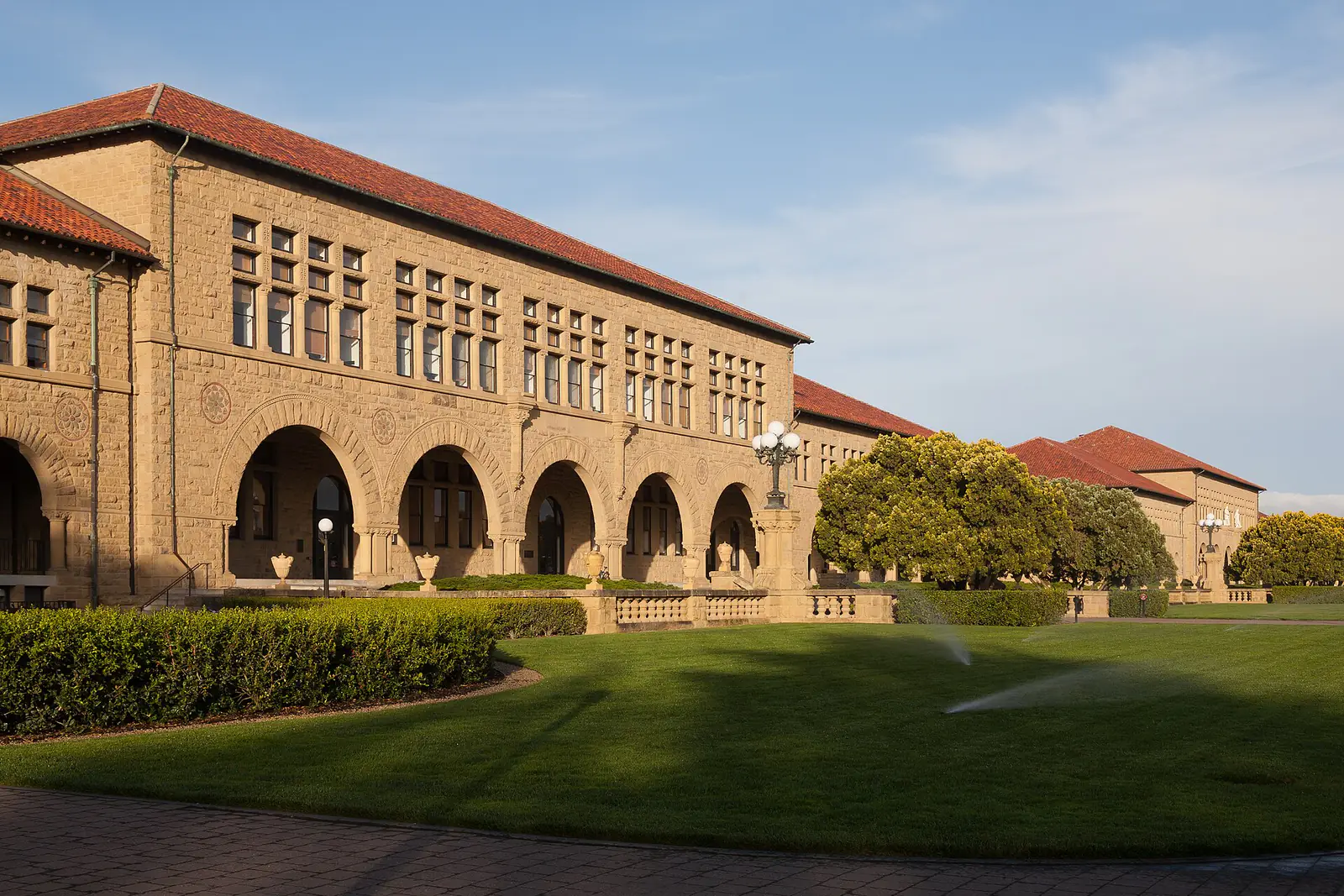
- Stanford CS149, Parallel Computing. The course site publishes lectures and readings covering multi-core CPUs, GPUs and accelerators, and the trade-offs in designing parallel systems. Work through the lectures on GPU architecture and data-parallel thinking.
- Programming Massively Parallel Processors by Wen-mei W. Hwu, David B. Kirk and Izzat El Hajj (Elsevier; the fourth edition was published in 2022, and the publisher lists a newer one). It is the standard textbook for CUDA and is written for readers who are new to parallel programming.
Checkpoint project: take a simple loop, such as summing an array, and explain on paper how you would split it across thousands of threads and combine the results.
Stage 2: CUDA kernels (4 to 6 weeks)
CUDA is Nvidia’s platform for writing code that runs on its GPUs. Learning it teaches you the model every other tool builds on: a grid of thread blocks, each running many threads, sharing fast on-chip memory.
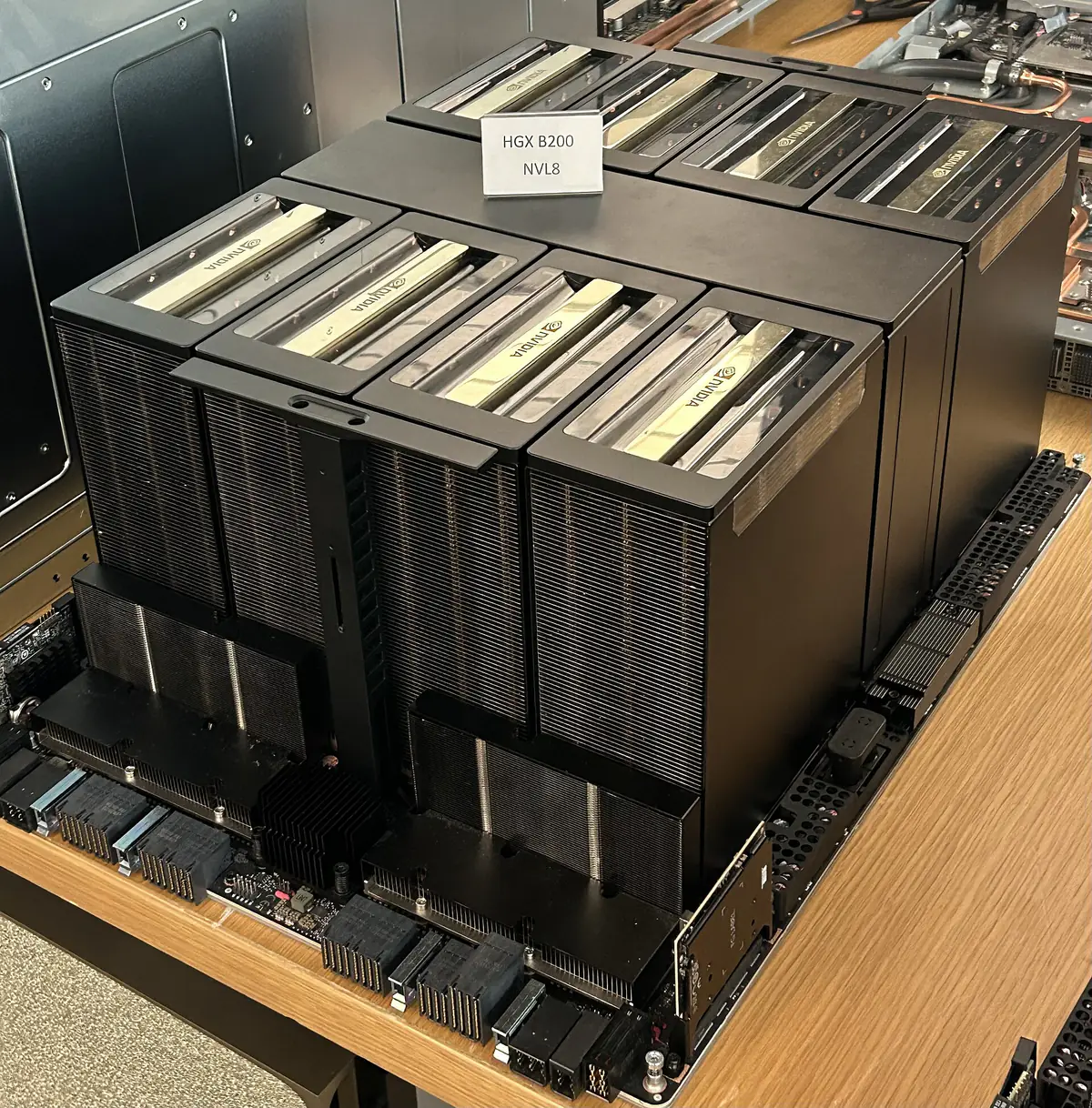
- The CUDA Programming Guide from Nvidia is the official reference for the programming model, memory spaces and synchronization. Read the introduction and programming model chapters alongside the textbook rather than front to back.
- Simon Boehm’s matrix multiplication worklog walks through ten successive versions of a CUDA matrix multiply kernel. His fastest kernel reaches about 93.7% of cuBLAS single-precision performance on an RTX A6000, and each step explains one optimization: memory coalescing, shared-memory tiling, register blocking and warp tiling.
If you prefer to stay in Python, Nvidia’s CUDA Python project provides Python access to the CUDA driver and runtime APIs, but writing a few kernels in C++ first makes the concepts stick.
Checkpoint project: write a matrix multiply kernel, then improve it with shared-memory tiling and measure the speed-up against your first version.
Stage 3: Triton for deep learning kernels (3 to 4 weeks)
Triton is a Python-based language and compiler for writing GPU kernels at the level of blocks rather than individual threads. It handles many low-level details automatically, which is why PyTorch’s compiler generates Triton code and why many custom kernels in open-source AI projects are written in it.
- The official Triton tutorials are designed to be read in order, starting with vector addition and moving through fused softmax, matrix multiplication and more advanced kernels. Each one is a runnable Python file or notebook.
Because you already learned CUDA, you will recognize what Triton automates, such as memory coalescing and shared-memory management, and where you still need to make choices, such as block sizes.
Checkpoint project: write a fused kernel, for example softmax or layer normalization, and compare its speed with the PyTorch equivalent.
Stage 4: Profiling real models (2 to 3 weeks)
Most real speed-ups come from finding the bottleneck, not from writing new kernels. Learn to measure first.
- The PyTorch Profiler recipe shows how to record which operators run, how long they take on CPU and GPU, and how much memory they use, and how to export a trace you can view in a timeline.
Profile a small transformer during training and inference. Look for operations that are memory-bound, gaps where the GPU sits idle, and small kernels that could be fused. Our explainer on how LLM inference serving works with vLLM shows the same ideas at the scale of a production server.
Checkpoint project: find the slowest operation in a model you use, replace or fuse it, and document the before-and-after timing.
Stage 5: Scaling across many chips (3 to 4 weeks)
Large models do not fit on one GPU, so the final stage is about parallelism across devices: data, tensor, pipeline and expert parallelism, and the communication operations that connect them.
- How to Scale Your Model, a free online book from Google’s JAX team, explains rooflines, how accelerators communicate, how large language models run on real hardware and how to parallelize them for training and inference. It uses TPUs as its main example but states that the principles apply to GPUs too.
Checkpoint project: for a model of a size you choose, estimate the memory and communication cost of two different parallelism strategies, then check one against a real run if you have access to more than one GPU.
How to pace it
Plan for roughly five to eight hours a week. The order matters more than the speed: skipping straight to Triton without CUDA tends to leave gaps when a kernel is slow and you cannot see why, and skipping profiling leads to optimizing the wrong thing. Keep a short log of each project with timings; it doubles as a portfolio for job applications.
What to watch next
- New GPU generations such as Nvidia’s Rubin family, which change memory sizes and bandwidth and therefore which optimizations pay off.
- Updates to the official Triton tutorials as the compiler adds features for newer hardware.
- Newer editions of the Hwu, Kirk and El Hajj textbook, which track changes in CUDA.
- Lower-precision formats such as FP8 and FP4, which are becoming a core part of kernel work.
Key takeaways
- Learn in order: parallel concepts, CUDA, Triton, profiling, then multi-chip scaling.
- Each stage has free official resources, from Stanford CS149 to the Triton tutorials and How to Scale Your Model.
- A small, timed project at each stage proves the skill and builds a portfolio.
- Profiling before optimizing saves more time than writing new kernels.
- Plan for three to six months at five to eight hours a week.
Frequently asked questions
Do I need to learn CUDA if I use Triton?
Not strictly, but it helps. Triton hides many details, and knowing the CUDA thread and memory model makes it much easier to understand why a Triton kernel is fast or slow.
Can I learn GPU programming without an Nvidia GPU?
You can study the concepts from the textbook and courses, but CUDA and Triton exercises need an Nvidia GPU. Cloud notebooks with a GPU are a practical option for short sessions.
How long does it take to learn GPU programming for AI?
With Python experience and five to eight hours a week, this path takes about three to six months to complete, including a small project at each stage.