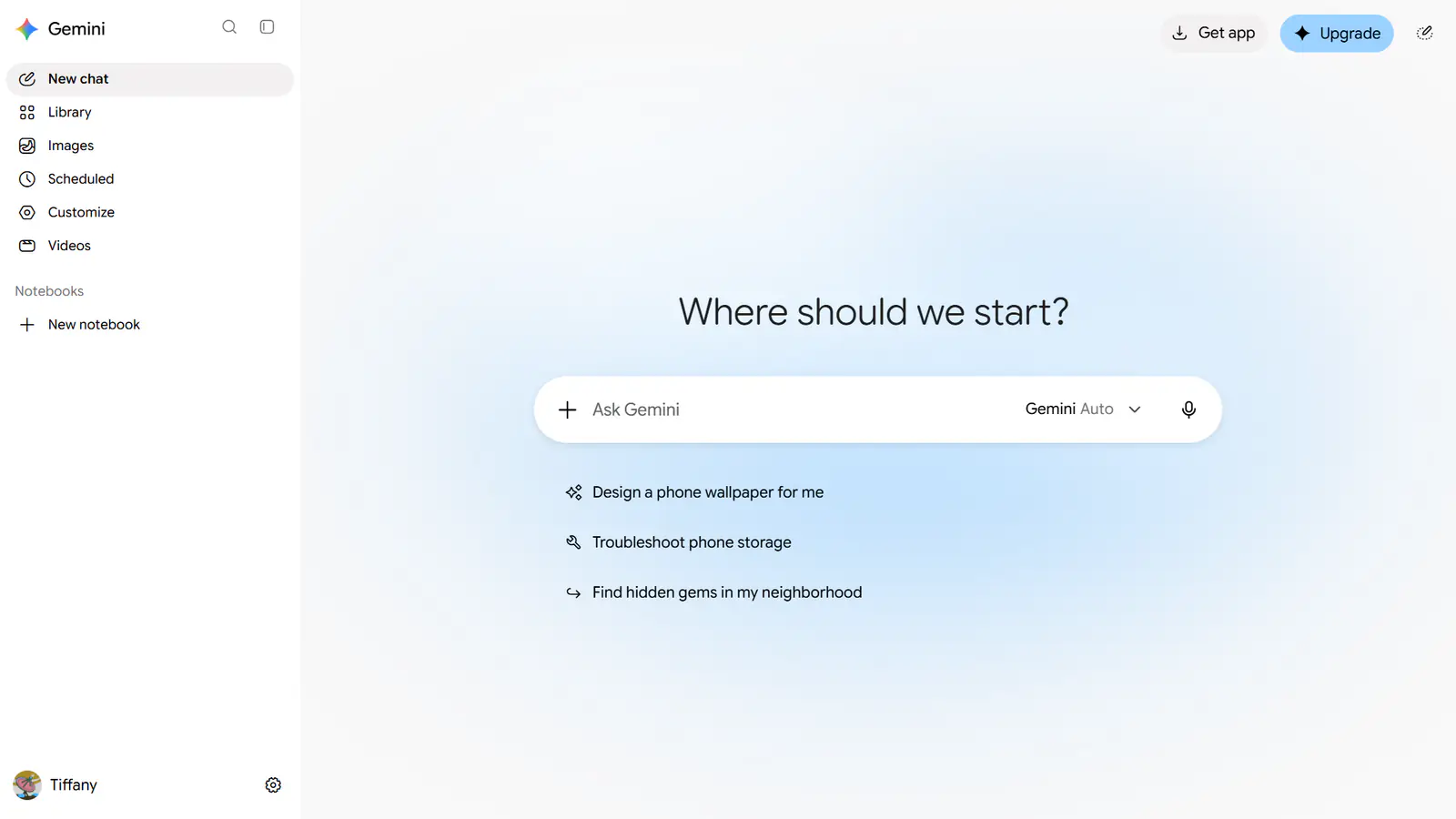
Google on Thursday, November 19, added computer use to the Gemini app for Mac. The feature lets Gemini carry out multi-step tasks across local files, desktop apps and websites by clicking, typing and filling in forms on the user’s behalf. It is rolling out in English in the United States and requires a Google AI Plus, Pro or Ultra subscription, according to Google and TechCrunch. The launch brings Google level with OpenAI, Anthropic and Meta, which already offer agents that operate a computer.
What Gemini can now do on a Mac
Google’s announcement describes the feature as a way to hand off repetitive work that normally takes dozens of clicks. The user describes the job in the chat, and Gemini handles the menus, typing and form entries. SiliconANGLE reports that users invoke it by including “@Computer use” in a prompt. Gemini then finds the local app it needs, draws up a plan and carries it out step by step.
Google gives four examples of what it has in mind:
- Batch color-grading photos in design software, or setting up 3D scenes.
- Pulling weights, dimensions and addresses out of local PDFs to fill in shipping quote forms.
- Collecting metrics and screenshots from live dashboards and building a Google Slides deck from them.
- Analyzing clothing photos in a local folder, researching prices and staging listings on resale sites.
According to SiliconANGLE, a single task can include dozens of actions, and the output of one workflow can feed the next.
How the background window and approvals work
The design choice Google stresses most is that Gemini does not take over the screen. It works in what Google calls an isolated background window, with a live preview shown inside the chat. The user’s main screen and cursor stay free, so they can keep working while the task runs.
Control rests on four mechanisms listed in Google’s post: the user chooses which apps Gemini can access, can watch every step live, can pause at any time and must approve “key actions” before they happen. Google’s post does not define which actions count as key, and it does not say what data from the screen is sent to Google’s servers or how long it is kept. Those are the details anyone handling confidential files will want before turning the feature on.
How it compares with OpenAI, Meta and Anthropic
TechCrunch describes Google as “a little late to the game.” Anthropic, OpenAI and Meta have offered agent features in their desktop apps for some time.

The main gap is where the work runs. SiliconANGLE notes that the Mac version of Meta’s Muse can also work with local apps and data, and uses a cloud-based virtual machine to keep working when the user’s computer is offline. OpenAI’s Dots offers a similar capability, and adds features for business workflows such as procurement. Gemini’s computer use, as announced, runs on the user’s own Mac. We covered the payments side of that competition in our report on ChatGPT Wallet and Dots agents, and Meta’s push in Muse Spaces.
Google has the model side covered. Computer use is among the tools supported by Gemini 4 Neon, the model it released a day earlier. For background on how such systems plan and act, see our explainer on what AI agents are.
Why Apple’s plans matter here
The launch arrives as the owner of the platform is reported to be tightening the rules. TechCrunch, citing Bloomberg, reports that Apple posted a job listing for an engineering manager to build an agent that “can use a computer the way a capable person does.”
The same report says macOS 27.3 will show warnings that discourage users from granting full access to third-party agents, and that Apple told developers in October it would add controls requiring “very explicit user action” for that level of access. If those warnings arrive as described, every third-party agent on the Mac, Gemini included, will face more friction at setup than it does today.
What to watch next
- Expansion beyond the US and English, and a Windows version.
- Google’s documentation of which actions need approval and how screen data is handled.
- The macOS 27.3 warnings for third-party agents and any Apple agent announcement.
Key takeaways
- Gemini for Mac can now operate desktop apps, local files and websites to finish multi-step tasks.
- It works in an isolated background window with a live preview, leaving the screen and cursor free.
- Users pick which apps it can access, can pause it and must approve key actions.
- Launch is limited to English in the US for Google AI Plus, Pro and Ultra subscribers.
- Rivals from OpenAI and Meta already offer cloud-hosted runs that Gemini’s feature lacks at launch.
Frequently asked questions
What is computer use in the Gemini app?
It is a feature that lets Gemini operate apps and websites on your Mac by clicking, typing and navigating menus to complete a task you describe. It runs in a separate background window with a live preview in the chat.
Is Gemini computer use free?
No. At launch it requires a Google AI Plus, Pro or Ultra subscription, along with the Gemini app for Mac, and it is available only in English in the United States.
Can Gemini access every app on my Mac?
Not by default. Google says users choose which apps Gemini can access, can watch each step, can pause the task at any time and must approve key actions before they happen.