How we review: this assessment is based on the product’s official documentation, current pricing and published independent evaluations; it is not a hands-on test. Read our review methodology.
Make, the visual automation platform at make.com, now offers one of the most complete AI layers in no-code automation: Maia, an assistant that builds and debugs scenarios from prompts, a rebuilt AI agent app with sub-agents, and MCP access from Claude and ChatGPT. Based on Make’s help center as of November 15, 2026, we rate it 4 out of 5. The AI features are well documented and flexible, but many are still in beta and their token-based credit costs are hard to predict.
How Make’s AI layer fits on the visual canvas
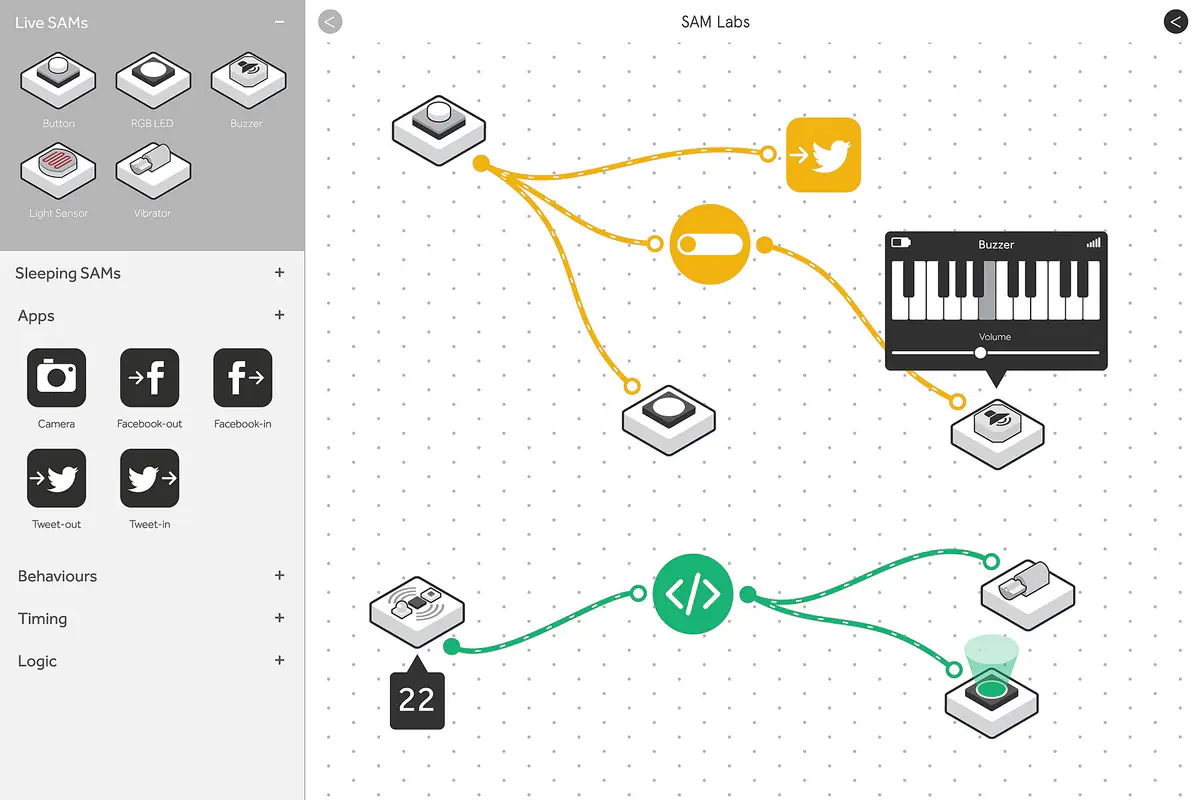
Make’s core product is the scenario: an automated workflow drawn on a canvas, where each module is an app action or a logic step. The AI features sit on top of that model rather than replacing it, and Make’s own documentation is unusually clear about when to use which. It recommends a standard scenario for fixed logic such as syncing data or processing orders, a scenario with an AI module for predictable tasks such as translating or summarizing, and an agent only for work that needs judgment, such as triaging support tickets or screening candidates. It also advises keeping agents away from sensitive data and high-stakes decisions.
That framing matters because every AI step adds cost and uncertainty. For built-in AI tasks, the Make AI Toolkit offers ready-made modules such as sentiment analysis, text categorization and translation, while apps for OpenAI, Anthropic Claude, Google Gemini and others give direct access to models.
Maia, the AI co-worker in the Scenario Builder
Maia is Make’s current AI assistant, in public beta on all paid plans and available as a 30-day trial on the Free plan. It works inside the Scenario Builder in two modes: Build mode, which edits the canvas as you chat, and Plan mode, which proposes a plan and a scenario preview you can reject, revise or accept. Maia can create scenarios and agents, modify existing ones and troubleshoot errors using run history and logs. Users can upload up to three images per session, such as a process sketch, and revert to earlier versions.
Maia also keeps a private memory of working preferences, such as the apps you use and how detailed you like answers, capped at 50 memories of 200 characters per user, per team. Make says it does not store credentials or other people’s personal data in that memory, and that customer data is never used to train the underlying models. Its system card lists GPT-4.1 mini, GPT-5.2 and GPT-5.6 as those models. The main limitation is scope: Maia cannot see other scenarios, so it cannot reuse their configuration or wire up subscenarios and webhooks.
On cost, each Maia reply consumes a variable number of credits from the same pool as your scenarios, based on task complexity and tokens. As a temporary promotion, paid users get their first 70 messages free for 30 days; the Free-plan trial includes 45 messages.
AI agents, MCP and model choice
The Make AI Agent (New) app, released on February 2, 2026 and still in open beta, is where agentic work happens. An agent combines a model, instructions, knowledge files (indexed in a vector database), input, and tools. In Make, tools can be modules, whole scenarios, MCP server tools or other agents. A parent agent can delegate to sub-agents, limited to one level of nesting, and tool output filtering can strip fields an agent does not need, which Make says reduces credit usage. Agents show their reasoning step by step.
Model choice is flexible. All plans can use Make’s AI Provider, which needs no separate AI account and offers tiered Small, Medium and Large models plus named OpenAI and Anthropic models. Since November 6, 2025, all paid plans can instead connect their own OpenAI, Anthropic or other provider key; Make then charges one credit per operation and the provider bills tokens directly.
Make also works the other way round. The Make MCP server lets clients such as Claude and ChatGPT run scenarios and, on paid plans, manage the account; MCP toolboxes expose only a chosen set of scenarios with their own URLs and keys. Make is a built-in connector in Claude, and an official plugin for ChatGPT is available on all Make plans. Our guide to the Model Context Protocol explains how such connections work.
Pricing and credits
Make bills in credits, which replaced operations as its unit. Ordinary modules use one credit per operation. AI features are dynamic: with Make’s AI Provider, credits depend on input and output tokens and on the model. Make publishes the rates; the Large tier (GPT-5 mini), for example, gives 3,616 input tokens or 452 output tokens per credit, while premium models such as Claude Opus 5 give 180 input or 36 output tokens per credit.
The help center names Free, Core, Pro, Teams and Enterprise plans. Core includes up to 300,000 credits a month, and Pro up to 8 million. On annual billing, Pro and Teams receive a yearly credit package, while Core still allocates credits monthly. Extra credits, bought manually from 1,000 at a time or automatically, cost 25% more than plan credits. Enterprise adds a dedicated environment on Celonis’s AWS infrastructure. We have not quoted monthly list prices because we could not confirm them on Make’s pricing page today.
One governance detail stands out: selecting an EU data zone does not keep every AI request in the EU. Make’s data-zone page says Maia and Make AI Web Search are processed by OpenAI in the US, and that bringing your own provider connection removes Make’s EU guarantee.
How Make compares with Zapier and n8n
Against our Zapier review, Make offers a single credit meter for scenarios, agents and Maia, whereas Zapier, as documented in October, splits billing across tasks, agent activities and chatbot tiers and charges two tasks per MCP tool call. Zapier’s advantage remains reach, with more than 9,000 connected apps. Against our n8n review, Make is easier for non-developers and fully managed, but n8n can be self-hosted for free and counts whole workflow executions rather than individual steps, which tends to favor long workflows. Make sits between the two: more visual than Zapier for branching workflows, less technical than n8n, and with an in-editor assistant whose plan-first mode suits teams that want to review a design before anything is built.
What to watch next
- Whether Maia and the Make AI Agent (New) app leave beta, and how their pricing changes when they do.
- How the temporary 70-message Maia promotion is replaced once it ends.
- Whether Make confirms EU processing for Maia and more AI Provider models.
- Further growth of MCP access, after the Claude connector and the ChatGPT plugin.
Key takeaways
- Maia builds, edits and debugs scenarios in plain language, with a plan-first mode and version reverts.
- The new agent app supports sub-agents, knowledge files and tools drawn from modules, scenarios and MCP.
- Paid plans can bring their own OpenAI or Anthropic key and pay the provider for tokens.
- AI features consume credits based on tokens, so costs vary from run to run.
- EU data zones do not guarantee EU processing for every AI feature.
Frequently asked questions
What is Maia by Make?
Maia is Make’s AI assistant in the Scenario Builder. It creates, modifies and troubleshoots scenarios and AI agents from natural-language prompts and is in public beta on paid plans, with a 30-day trial on the Free plan.
Is Make’s AI agent feature free?
Agents can be used on all plans through Make’s AI Provider, but every run consumes credits for operations and tokens. On paid plans you can connect your own AI provider and pay it directly for tokens.
Can I use Make with Claude or ChatGPT?
Yes. Make is a built-in connector in Claude and offers an official ChatGPT plugin, and its MCP server lets those clients run your scenarios.