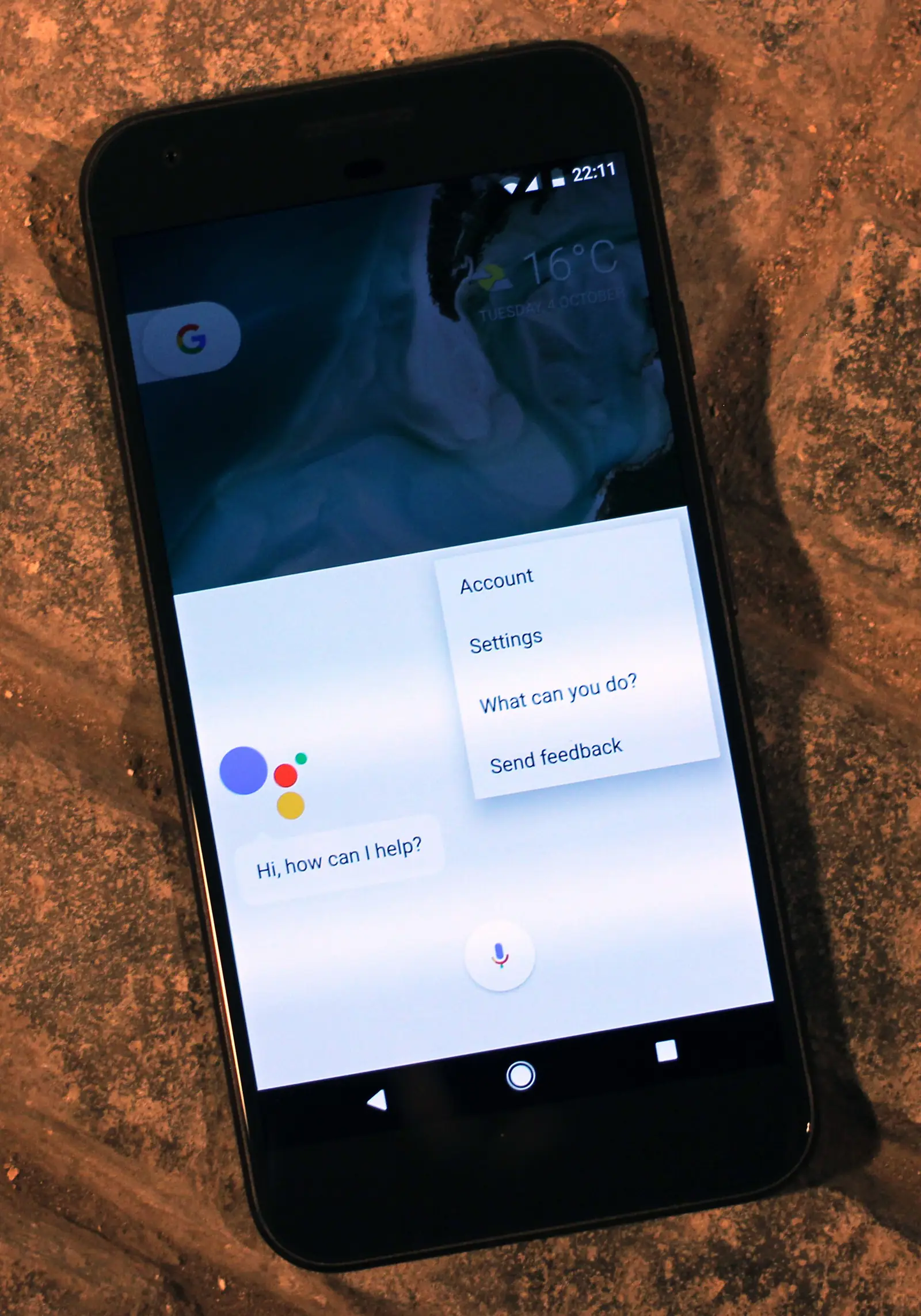
Google on November 13 began letting every Gemini app user in the United States connect Google Wallet to the chatbot, so Gemini can answer questions about personal spending, subscriptions and budgets. Users can also link credit card and bank accounts to Wallet through Plaid for deeper analysis, and Google says Gemini’s access is read-only: it cannot move, manage or invest money. The launch means all three of the largest consumer chatbots, Gemini, ChatGPT and Claude, now offer some way to work with a user’s financial data, each with different limits.
What the Google Wallet connection does
The feature is part of what Google calls Personal Intelligence, the Gemini setting that connects apps such as Gmail, Photos, YouTube and Search so answers can draw on a user’s own information. Google Wallet is the newest of those connected apps. After opting in, users tag @Google Wallet in a chat and ask questions in plain language.
Google gives three examples of what to ask:
- Spending reviews: a request such as reviewing last quarter’s spending to save $1,000 over the next three months produces charts of cash flow, asset allocation and budgets inside the chat.
- Subscriptions: Gemini looks for recurring charges across linked accounts and flags ones that went up in price this year.
- Holiday budgets: Gemini reads the past year’s transactions on gifts and travel and suggests a budget for this year.
The connection is rolling out on the web and in the Gemini apps for Android and iOS.
What Gemini can and cannot see
By default, Gemini sees what is in Google Wallet. Linking outside cards and bank accounts happens inside Wallet through Plaid, a bank-connection service used by many finance apps, and is optional. Users turn the connection on under Connected Apps in the Personal Intelligence settings and can switch it off at any time.
Google paired the launch with a privacy feature that applies more broadly. Memory Summary, found under Profile, then Personal Intelligence, shows a readable snapshot of the preferences, interests and goals Gemini has saved about a user, and lets the user edit or delete them. It is available on web and mobile wherever Personal Intelligence is offered.
How it compares with ChatGPT and Claude
The three big chatbot makers have moved into personal finance within two weeks of each other, with clear differences in scope:
| Feature | Gemini + Google Wallet | Claude Personal Finance | ChatGPT Wallet |
|---|---|---|---|
| Announced | November 13, 2026 | November 5, 2026 | November 13, 2026 |
| What it does | Answers questions about spending and budgets | Answers questions about spending and bills | Lets agents pay for purchases you approve |
| Access to money | Read-only | Read-only | Can charge a stored card after biometric approval |
| Bank linking | Via Plaid, inside Google Wallet | Via Plaid | Card stored in the wallet |
| Who gets it | All U.S. Gemini app users | U.S. Pro, Max and Ultra subscribers, in beta | Limited group of U.S. ChatGPT Pro users |
Gemini’s version is the broadest by audience: it is not limited to paid plans, according to Google’s announcement. Claude’s Personal Finance beta is similar in function but limited to paying subscribers. ChatGPT Wallet is a different kind of product: it does not analyze spending but lets OpenAI’s agents complete checkouts with a tokenized card.
What it means for users
For people already using Google Wallet, the feature removes a step: there is no need to export transactions into a spreadsheet or a separate budgeting app before asking questions. The trade-off is that a chatbot gains a detailed view of a user’s spending. Before connecting, it is worth checking three things: which accounts are linked to Wallet through Plaid, what Memory Summary says Gemini has already stored, and how to turn the connection off. Chatbot answers about money can also be wrong, so totals and flagged charges should be checked against the bank’s own statements before acting on them. Our Google Gemini review covers the app’s plans and wider privacy settings.
What to watch next
- Whether Google extends the Wallet connection beyond the United States.
- Whether Gemini gains the ability to pay, as ChatGPT Wallet does, rather than only read.
- How regulators treat chatbots that analyze bank data, especially around advice and data retention.
- Whether Claude’s Personal Finance feature leaves beta or expands to free users in response.
Key takeaways
- All U.S. Gemini app users can now connect Google Wallet to get answers about spending, subscriptions and budgets.
- Bank and card accounts can be linked to Wallet through Plaid for deeper insights.
- Google says Gemini’s access is read-only and can be switched off at any time.
- A new Memory Summary page shows and lets users edit what Gemini remembers about them.
- Gemini, Claude and ChatGPT all launched finance features in November, with different limits on access and payments.
Frequently asked questions
How do I connect Google Wallet to Gemini?
Open the Gemini app’s Personal Intelligence settings, go to Connected Apps and turn on Google Wallet. You can then tag @Google Wallet in a chat to ask about your spending.
Can Gemini move money or make payments from my accounts?
No. Google says the Wallet connection is read-only, so Gemini can read information from linked accounts but cannot move, manage or invest money.
Is the Google Wallet feature in Gemini free?
Google says the connection is rolling out to all Gemini app users in the United States, without limiting it to paid plans. It works on the web and in the Android and iOS apps.